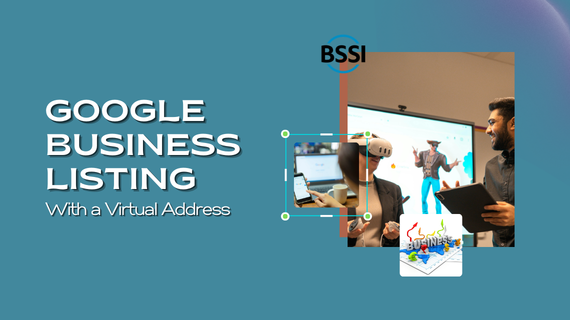
Your business on Google Maps: Guidelines for Representing Your Business
NOTE: Your business on Google can be fickle at times, so setting up a virtual office for Google profile map purposes is not guaranteed. BSSI Virtual Office is not responsible for helping you appear in the Google Maps section.
Your Business on Google: As a business owner, client contact, support, and service are priorities. Your business on Google Maps is the best way to reach your customer base. This can be challenging given Google’s constantly changing verification requirements. Our Las Vegas and New York marketing teams have compiled some suggestions on applying Google’s standards to verify your virtual office. If you can’t find an answer to your question, you can live chat with a support member on our question board. Verifying your virtual office on Google Maps can be difficult, but following BSSI’s pointers will help you succeed.

First, ensure your company website is available as a BSSI virtual office. “If your business rents a temporary, virtual office at a different address from your primary business, do not create a page for that location unless it is staffed during normal business hours.” BSSI is available Monday-Friday, 9:00 am to 9:00 pm, except on 5:00 pm and federal holidays. When listing your company’s availability on your website, it should reflect BSSI’s business hours; if it differs, it may result in denial. “To qualify…a business must make in-person contact with a customer during stated business hours.”
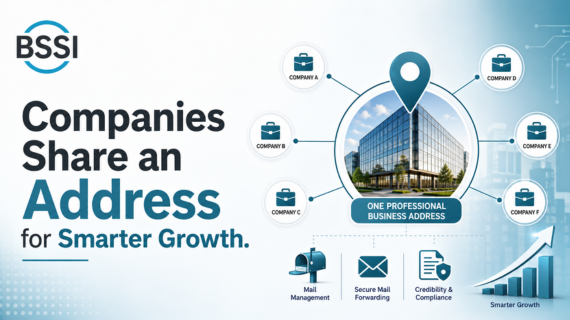
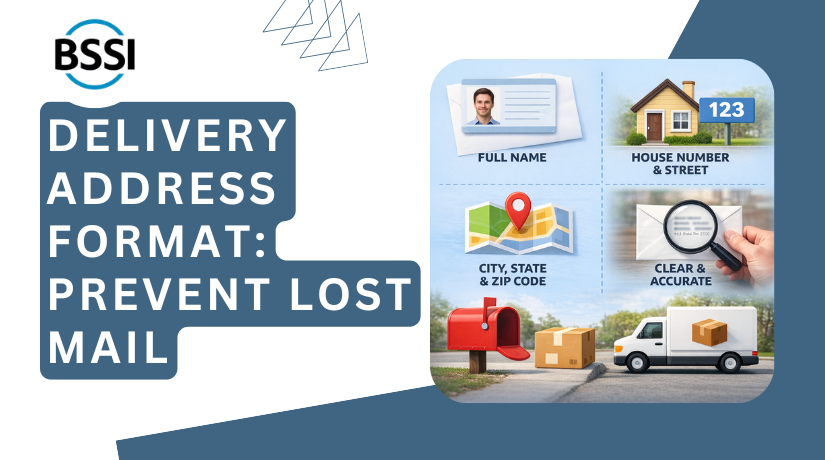
Secondly, ensure the address is accurate and precise.” Through BSSI’s virtual offices, you receive your Commercial Business Address for mail services. Your company website needs to list BSSI’s personally assigned address. Remember to include cardinal directions.
Your Business on Google Maps
In addition
“To qualify your business on Google Maps, a business must make in-person contact with a customer during stated business hours.” Our office staff lives receptionists Monday through Friday, 9:00 am to 9:00 pm, and 5:00 pm for walk-in customers. Las Vegas also offers private offices and conference rooms for companies to meet with clients in a confidential setting. Find more here.
Finally
Your business on Google: “See a local number instead of a central call center helpline number whenever possible.” This allows the local accessibility that Google wants your business to provide to customers, such as Liberty Bell Workers’ Compensation. BSSI offers phone services for whatever your business may need, from call forwarding and message taking to live connections with your clients. All phone packages include an assigned private local telephone number. Also, unlimited long-distance calls are included, with a live computer admin available to answer.
NOTE: Google can be fickle at times, so setting up a virtual office for Google profile map purposes is not guaranteed. BSSI Virtual Office is not responsible for helping you appear in the Google Maps section.
Visit Google.com and search: Your business on Google Maps: Guidelines for Representing Your Business on Google.
Here are some additional details about the BSSI Virtual Office:
- Phone Number: 888-909-2774
- FAQ Page: For quick answers to common questions, visit their FAQ page.
- Established in 2007.
- BBB Accreditation: BSSI has an A+ Rating with the Better Business Bureau.
- Legal Information: Review our Terms of Use and Privacy Policy for more details.
These resources provide comprehensive information and support for anyone interested in virtual office packages or executive services.
If you have any questions, you can use our Contact Us Form.

Your business on Google